In Mystic, CT, finding the “best home security system near me” involves identifying the features that fit your property’s layout, household routines, security priorities, and budget. Different homes have different needs, so the most appropriate security system is one configured around the property rather than a one-size-fits-all package.
Lynx Systems LLC provides home security solutions for homeowners in Connecticut. When comparing your options, consider cameras, alarms, access control, remote features, backup power, installation, and ongoing support.
1. Comprehensive Surveillance and Monitoring
Video surveillance can provide visibility into selected areas around your home.
Depending on the equipment and configuration, security cameras may include features such as:
- High-resolution video
- Indoor or outdoor cameras
- Night or low-light viewing
- Motion detection
- Recorded video
- Remote viewing
- Event notifications
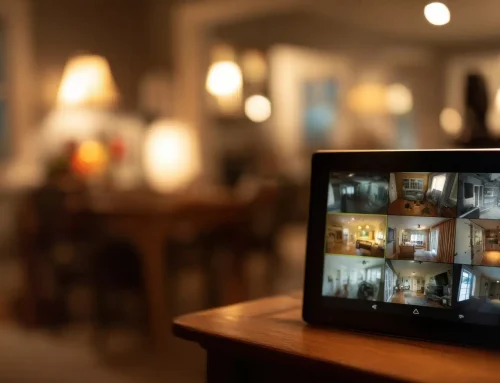
Compatible systems may allow homeowners to view live or recorded video through a smartphone, tablet, or other supported device.
Remote access and notification capabilities depend on the equipment, network connection, software, configuration, and services involved.
2. Advanced Alarm Systems
Alarm systems can provide detection and notification capabilities for certain events around a home.
Depending on the system, equipment may include:
- Door and window sensors
- Motion detectors
- Audible alarms
- Mobile notifications
- Other compatible detection devices
Some systems may also connect with professional monitoring services. How an alarm is handled depends on the system, monitoring arrangement, event type, connectivity, and applicable response procedures.
When searching for the “best home security system near me”, ask how alerts and monitoring actually work rather than assuming every alarm automatically results in an immediate emergency response.
3. Smart Home Integration
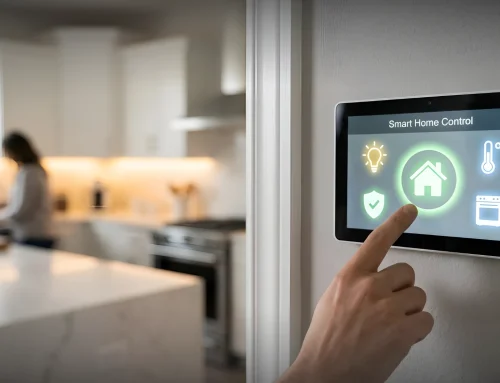
Some modern security systems can integrate with compatible smart-home technology.
Depending on the products involved, integration options may include:
- Smart locks
- Lighting
- Thermostats
- Supported voice assistants
- Cameras
- Other connected devices
Certain systems may also support automation based on schedules or configured events.
Compatibility is not universal, so homeowners should confirm whether their existing smart-home devices can work with the security equipment they are considering.
4. Secure Access Control
Homeowners may also want to consider how they manage entry into their property.
Depending on the system, options can include smart locks, keypads, mobile credentials, or other compatible access technologies.
Certain systems may allow homeowners to:
- Assign access credentials
- Lock or unlock compatible doors remotely
- Review certain access activity
- Change or remove authorized credentials
- Create temporary access for approved users
Features vary by product and configuration, and electronic access control does not eliminate every security risk.
5. Professional Installation and Support
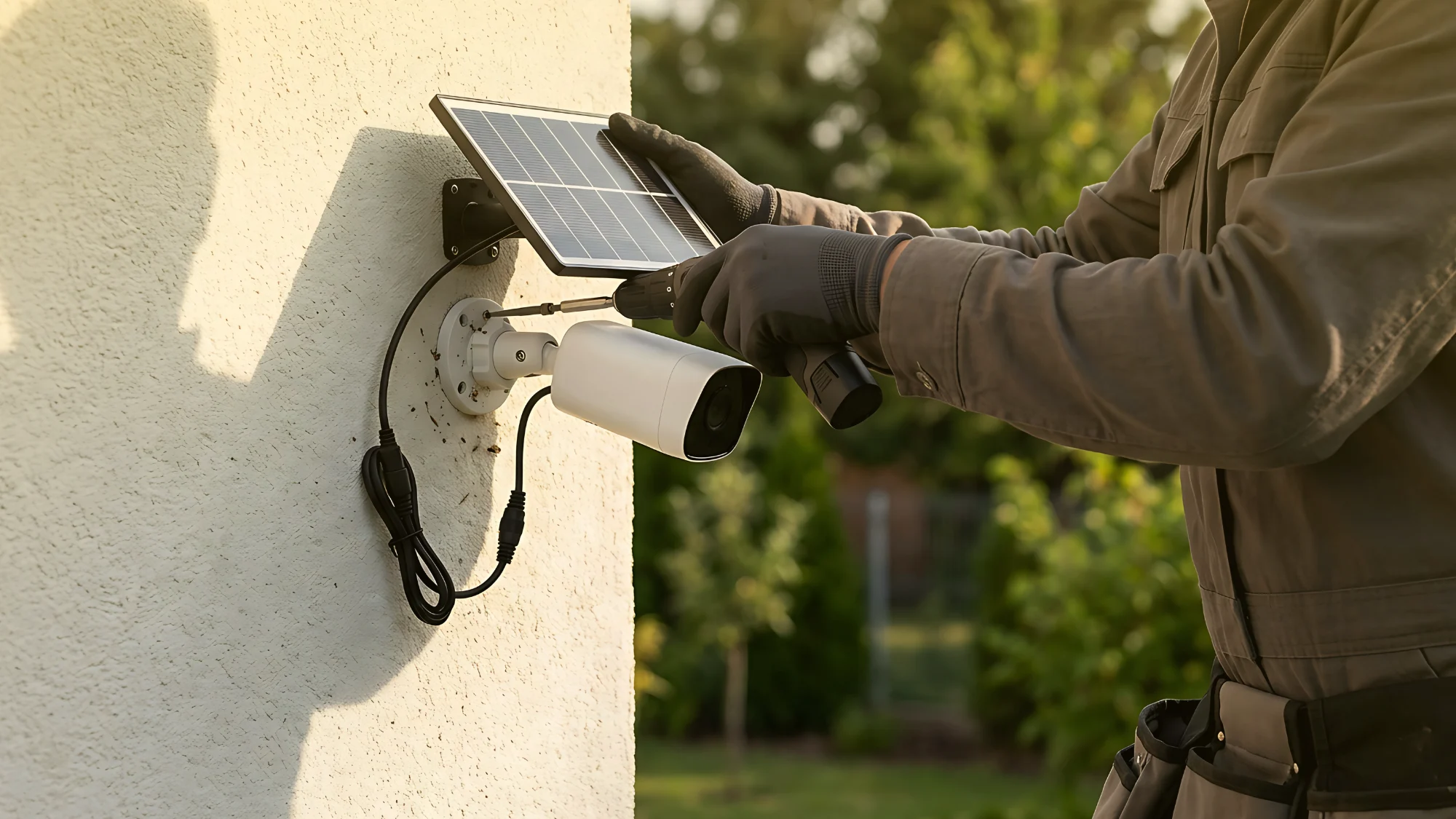
Some home security products are designed for DIY installation, while others may benefit from professional installation.
Professional installation can be particularly useful when a system involves multiple cameras, sensors, access devices, network connections, or integrations.
A security professional can evaluate factors such as:
- Camera placement
- Sensor locations
- Entry points
- Equipment compatibility
- Network requirements
- Existing security infrastructure
For homeowners in Mystic, Lynx Systems LLC can help evaluate security requirements and discuss professionally installed options.
Professional installation does not guarantee that a security incident will never occur, but appropriate equipment selection, placement, configuration, and testing are important parts of system setup.
6. Battery Backup for Continued Operation
Power outages are another factor to consider when comparing security systems.
Some security equipment includes battery backup or other backup-power capabilities that can allow certain functions to continue temporarily when normal electrical power is unavailable.
However, backup duration and available functionality vary considerably.
Internet service, cameras, monitoring connections, smart-home devices, and other components may also respond differently during an outage.
When comparing systems, ask:
- Which components have battery backup?
- How long is the expected backup duration?
- What functions remain available during an outage?
- Does the system use cellular or another backup communication method?
- What battery maintenance or replacement is required?
Understanding these limitations can help you choose equipment appropriate for your needs.
7. Cost-Effective Plans
Price is an important consideration, but the lowest initial cost does not necessarily mean a system provides the features you need.
Home security costs may depend on:
- Number of cameras and sensors
- Equipment type
- Installation requirements
- Monitoring services
- Video storage
- Smart-home integrations
- Access control equipment
- Software or subscriptions
- Ongoing service requirements
When comparing the “best home security system near me”, request a clear explanation of equipment, installation, monitoring, and other applicable costs.
FAQ
What should I prioritize when choosing a security system?
Start with your property’s specific needs. Consider entry points, camera coverage, alarm detection, monitoring preferences, smart-home compatibility, remote access, backup power, installation requirements, and budget.
How important is remote monitoring?
Remote features can be useful for homeowners who want to check compatible cameras, receive alerts, or manage certain security functions while away from home.
Available capabilities depend on the system and connectivity.
Can I install a security system myself?
Yes, some home security products are designed for DIY installation.
More complex systems involving multiple devices, wiring, access control, monitoring, or integrations may benefit from professional installation. Follow the requirements for the specific equipment you select.
Why choose a system with smart home integration?
Compatible smart-home integration can provide additional convenience by allowing certain security and automation features to work together.
Before purchasing equipment, verify that the devices and platforms you want to use are compatible.
Does a home security system guarantee that my home will be protected?
No security system can guarantee that burglary, property damage, or another incident will never occur.
Security equipment can provide detection, surveillance, alerts, access management, and other capabilities depending on the system. Understanding both its capabilities and limitations is important when choosing a solution.
Finding the “best home security system near me” means comparing the features that matter for your particular home rather than looking for one system that is automatically best for everyone.
If you’re a homeowner in Mystic, CT, contact Lynx Systems LLC to discuss your property’s security requirements and explore available home security system options.